Kitchen Planner Error Codes
When the Kitchen planner launches, several issues can occur. This section details the error codes that can be displayed when launching the Kitchen planner, if any problem is encountered during the launch.
Kitchen planner launch error
If any problem is encountered during the planner loading, it interrupts and displays the following screen.
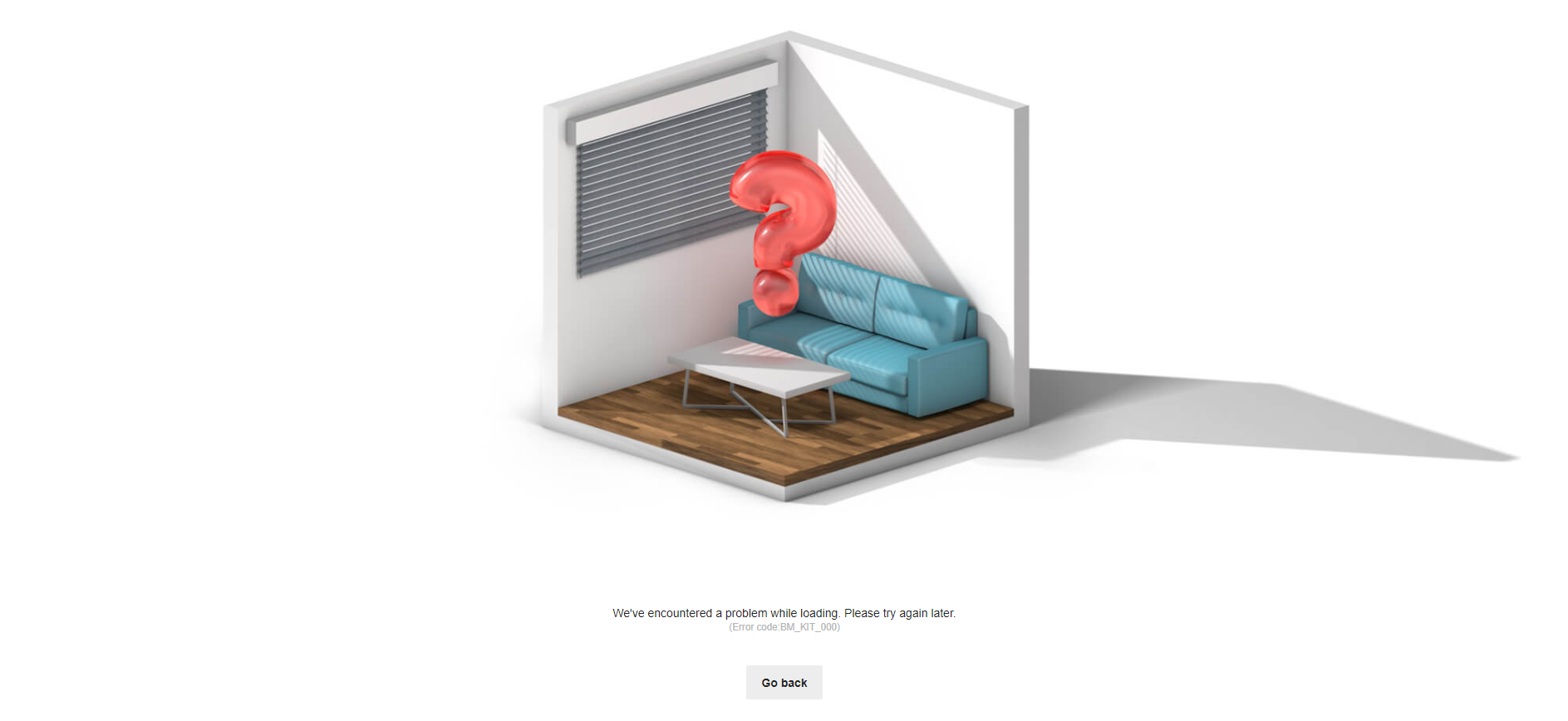 Fig.1: Kitchen planner loading error screen
List of error codes
Below is the list of all error codes that can be displayed, along with their meaning and how to solve them.
| Error code | Description | How to solve |
|---|---|---|
| BM_KIT_000 | Undefined errorThis error code is displayed if the faced issue is none of the following ones. | Contact 3DVIA. |
| BM_KIT_001 | Clock errorThis error is caused by a wrong clock synchronisation between the user machine and the 3DVIA server. | Fix the date and time of the user machine. |
| BM_KIT_002 | Domain errorThis error occurs if the planner is embedded in an undeclared legal domain. | Declare the client legal domain (see the associated documentation 🔗). |
| BM_KIT_003 | WebGL errorThis error occurs if the user browser doesn't support WebGL. Note that it can also happen if too many tabs are open in such a way that the planner doesn't have enough memory to create a WebGL context. | Make sure the browser supports WebGL and close some tabs if too many are open. See browser requirements 🔗 and troubleshooting. |