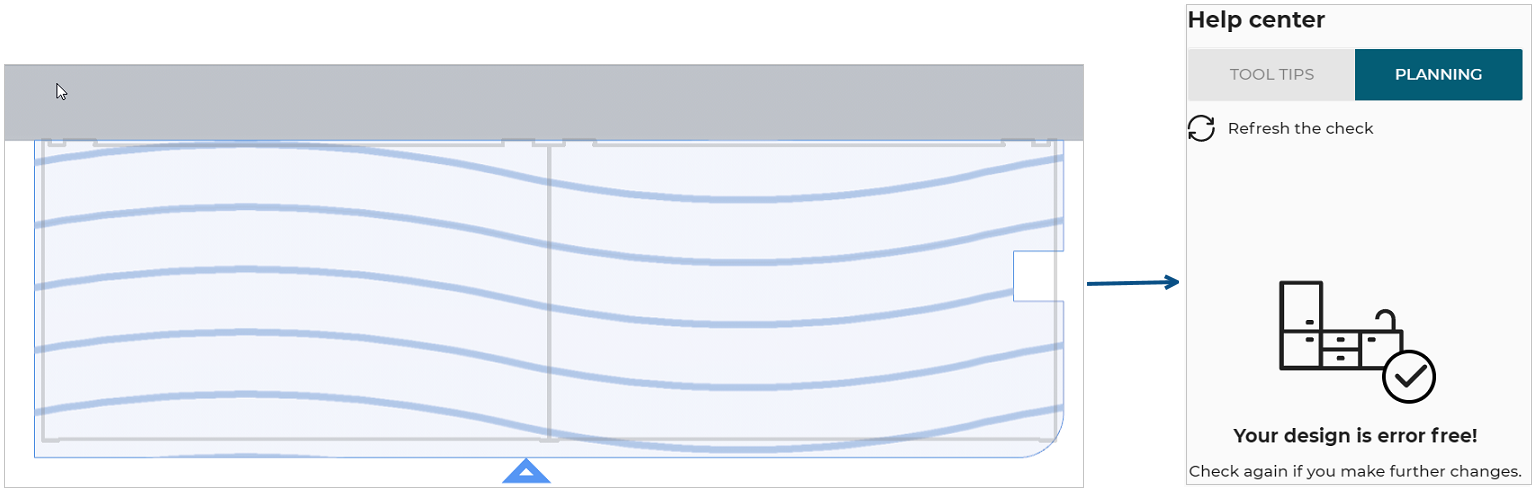
Edge-Board and Worktop Compatibility

EdgeBoardCompatibilityRule
Worktop edge compatibility with the worktop configuration.
Notification level: ⚠
| Key | Value |
|---|---|
| ID | EdgeBoardCompatibilityRule |
| Translation key (front) | edge_board_compatibility : {title } edge_board_compatibility.front_incompatibility |
| Translation key (frontOnly) | edge_board_compatibility : {title } edge_board_compatibility.front_incompatibilityOnly |
| Translation key (arc) | edge_board_compatibility : {title } edge_board_compatibility.arc_incompatibility |
| Translation key (cut) | edge_board_compatibility : {title } edge_board_compatibility.cut_incompatibility |
| Translation key (non-visible edge) | edge_board_compatibility : {title } edge_board_compatibility.non_visible_incompatibility |
| Translation key (perpendicular grain direction) | edge_board_compatibility : {title } edge_board_compatibility.perpendicular_grain_incompatibility |
| Translation key (parallel grain direction) | edge_board_compatibility : {title } edge_board_compatibility.parallel_grain_incompatibility |
| Translation key (arbitrary grain direction) | edge_board_compatibility : {title } edge_board_compatibility.arbitrary_grain_incompatibility |
Behavior
This rule checks if the edge finish of a worktop board is compatible with the current worktop configuration, in order to prevent the user from creating an invalid kitchen.
This rule checks also the edge finish configuration with several grain direction:
- Edge finish parallel to grain direction
- Edge finish perpendicular to grain direction
- Edge finish in an arbitrary grain direction
Trigger Conditions
It is triggered if an edge finish is not compatible with the current board configuration. The application warns to modify the edge finish of this worktop board.
Illustration
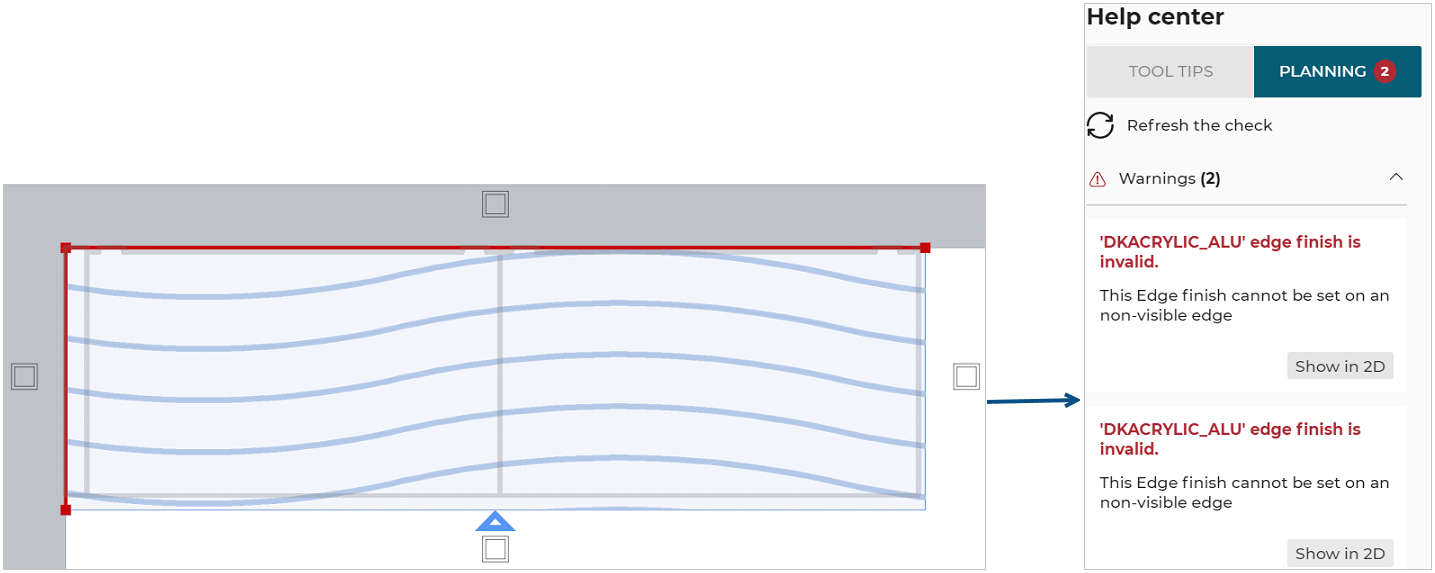
Case 1 – Check with non-visible edge
The current edge finish for non-visible edge is incompatible, the rule is triggered and informs the user to change the type of the edge finish.
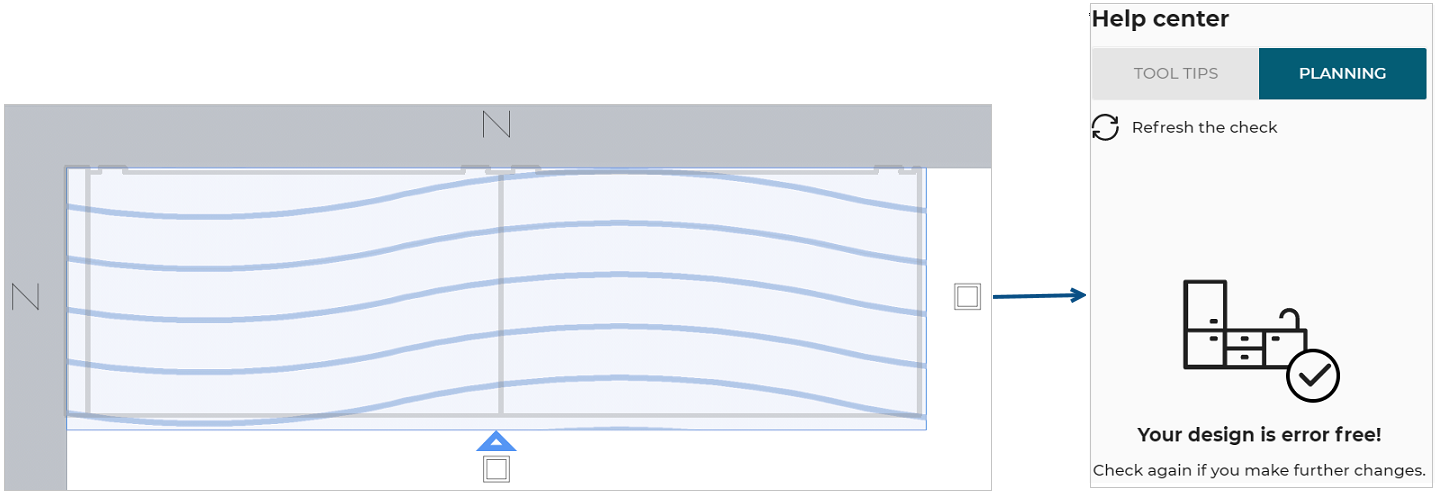
Once the user has changed the type of the edge finish for a compatible value (in this case DKACRYLIC_NOEDGE, that is the overload value) the design is error free.
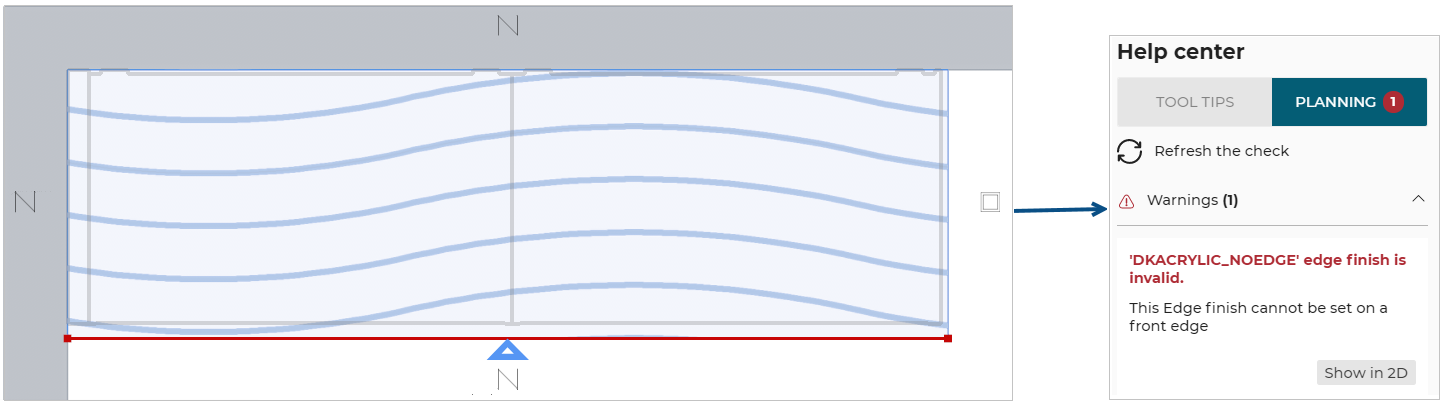
Case 2 – Check with front edge
The current edge finish for front edge is incompatible, the rule is triggered and informs the user to change the type of the front edge finish.
Once the user has changed the type of the front edge finish for a compatible value (in this case DKACRYLIC_ALU, that is the overload value) the design is error free.
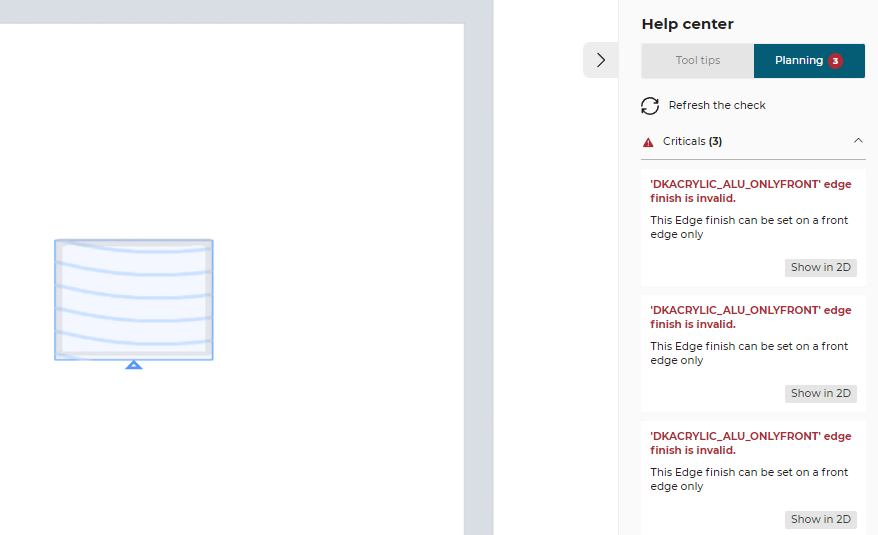
The current edge finish is compatible for front edge only, the rule is triggered and informs the user to change the type of the front edge finish.
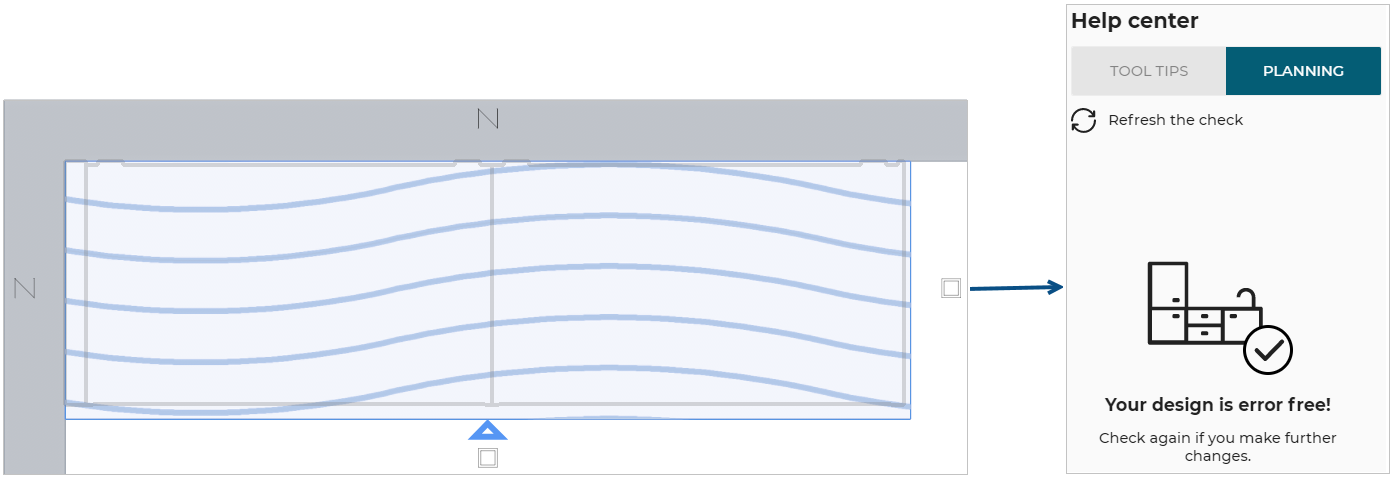
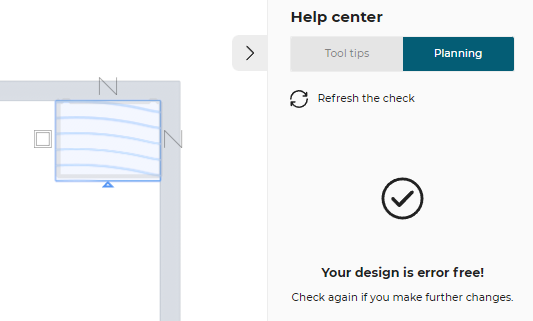
When the user has removed the front edge finish from other edge and kept it only on front edge (in this case DKACRYLIC_ALU_ONLYFRONT, that is the overload value) the design is error free.
Case 3 – Check with cut edge
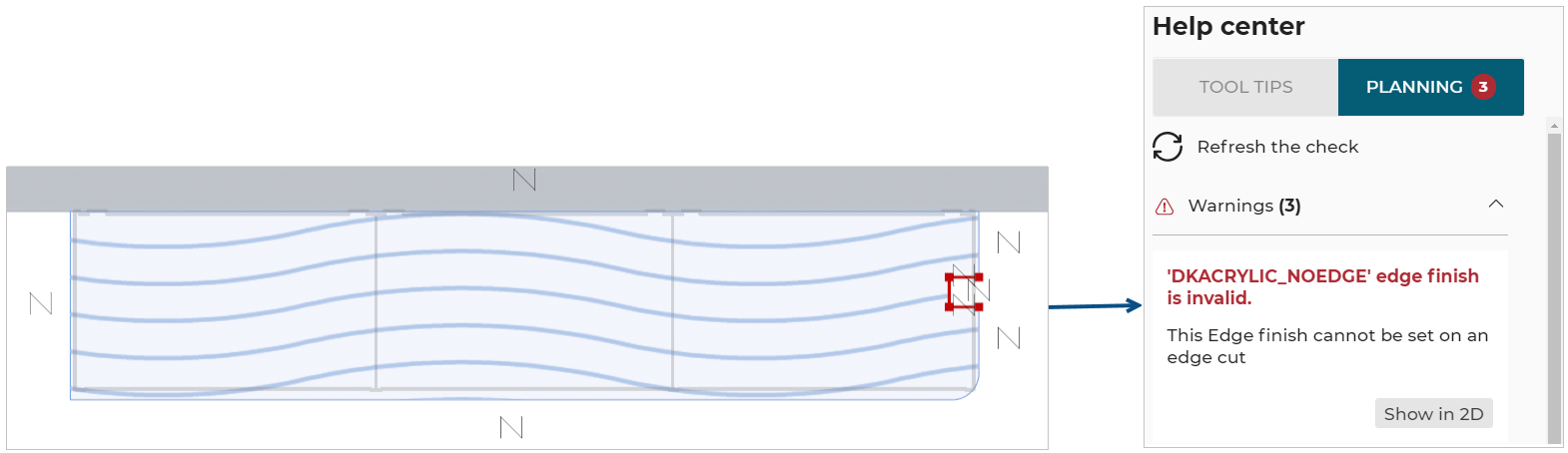
The current edge finish for cut edge is incompatible, the rule is triggered and informs the user to change the type of the cut edge finish.
Once the user has changed the type of the cut edge finish for a compatible value (in this case DKACRYLIC_ALU, that is the overload value) the design is error free.
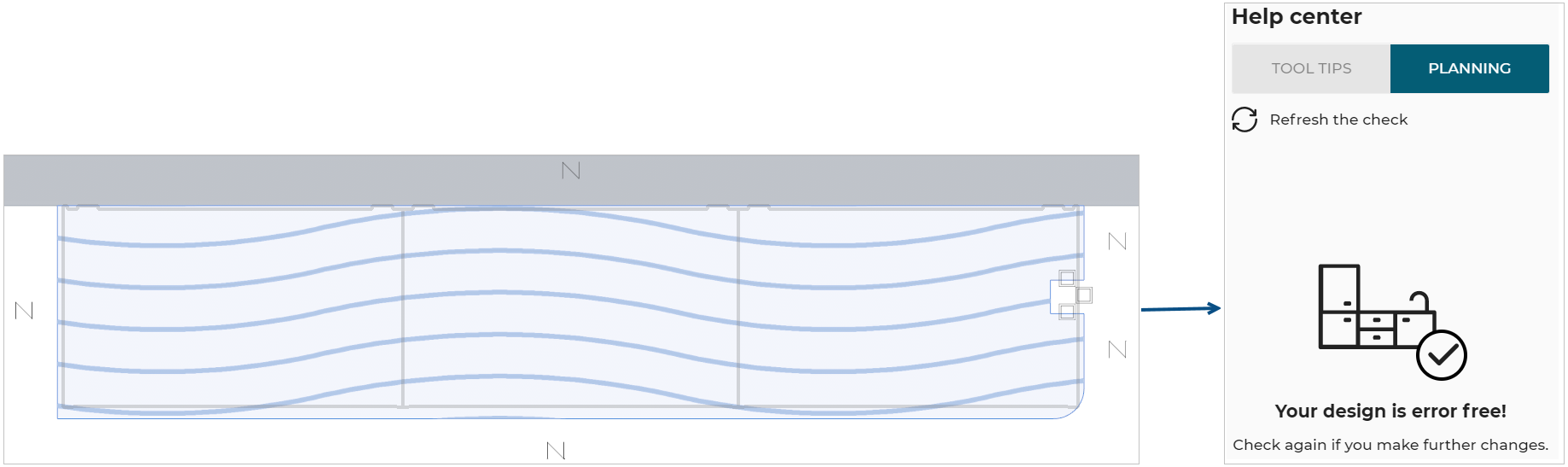
Case 4 – Check with arc edge
The current edge finish for arc edge is incompatible, the rule is triggered and informs the user to change the type of the edge finish.
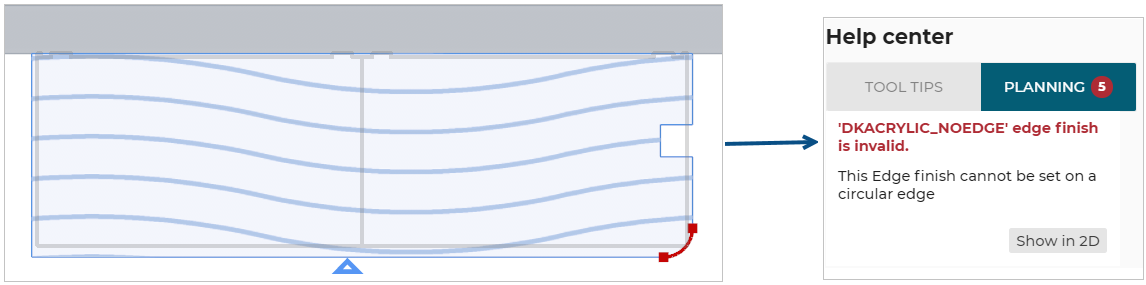
Once the user has changed the type of the edge finish for a compatible value (in this case DKACRYLIC_ALU, that is the overload value) the design is error free.