Cabinet Vertical Intersection

CabinetVerticalIntersectionRule
Cabinet / Cabinet components / Wall-mounted items intersecting with others.
Notification level: ⚠
| Key | Value |
|---|---|
| ID | CabinetVerticalIntersectionRule |
| Translation key (ceiling) | ceiling_cabinet_vertical_intersection_rule_title ceiling_cabinet_vertical_intersection_rule_error_message |
| Translation key (cabinet) | cabinet_cabinet_vertical_intersection_rule_title cabinet_cabinet_vertical_intersection_rule_error_message |
Behavior
This rule checks if some components of high cabinet, wall cabinet, corner wall cabinet , wall-mounted items are intersecting with the ceiling or with components of another high cabinet, wall cabinet, corner cabinet, wall-mounted item.
Trigger Conditions
This rule is triggered when:
- A top lighting is added to a wall or a high cabinet and collides with the ceiling.
- A cornice is added to a wall or high cabinet an collides with the ceiling.
- A top cover panel is added to a wall or high cabinet and collides with the ceiling.
- A wall cabinet is added on top of another wall cabinet that has a top lighting mounted, and collides with this lighting.
- A top lighting is added to a wall or high cabinet and collides with another cabinet.
- A cornice is added to a wall or high cabinet and collides with another cabinet.
- A cover panel is added to a wall or high cabinet and collides with another cabinet.
- The height of the ceiling is lowered after adding a top lighting or a cornice or a top cover panel to a wall or a high cabinet, and they collide with the ceiling.
- A wall-mounted item is added and it collides with the ceiling or another cabinet.
Affected Products
The products affected by this applicative rule are:
- High Cabinet with the closed tag
HighCabinets. - Wall Cabinet with the closed tag
WallCabinets. - Wall Corner Cabinet with the closed tag
CornerCabinets. - Wall mounted items with behaviour(targetPosition) set as
onWall.
This information is mandatory in order to have a check on this kind of products.
Overload Parameter
| Key name | Type | Default value | Description |
|---|---|---|---|
tolerance | number | 2 | This parameter defines the tolerance value (in millimeters) between the two cabinets / wall-mounted items, or between the cabinet/wall - mounted item and the ceiling. Optional. |
Sample
{
   "tolerance":2
}
Illustration
Case 1 – Top lighting triggers a collision
A top lighting is added to a wall or high cabinet and collides with the ceiling.

Case 2 – Cornice triggers a collision
A cornice is added to a wall or high cabinet and collides with the ceiling.
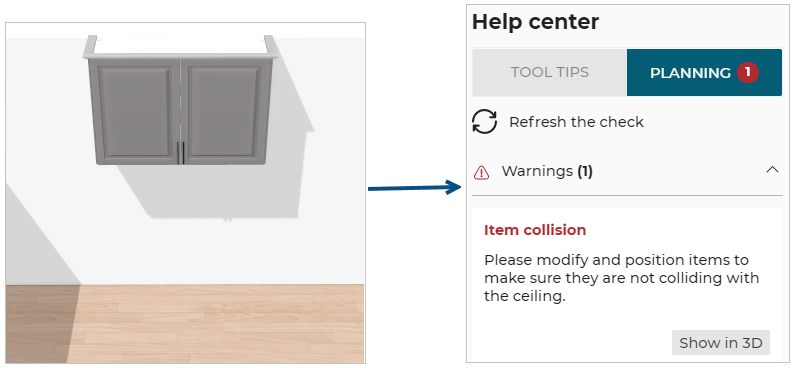
Case 3 – Cover panel triggers a collision
A top cover panel is added to a wall or high cabinet and collides with the ceiling.

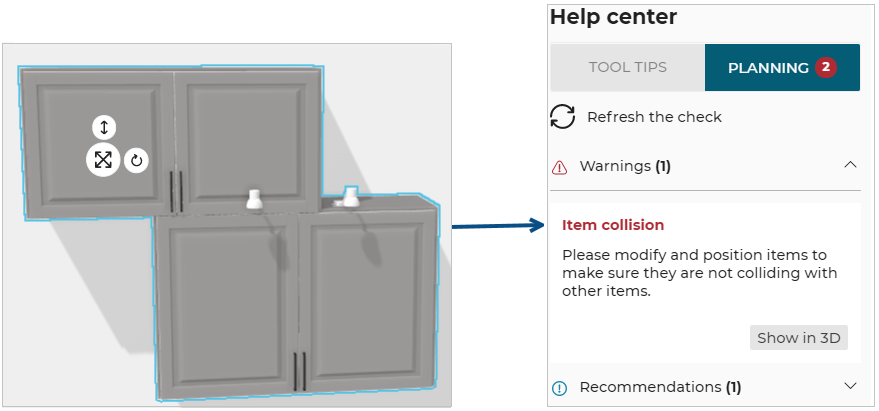
Case 4 – Wall cabinet triggers a collision
A wall cabinet is added on top of another wall cabinet that has top lighting mounted.
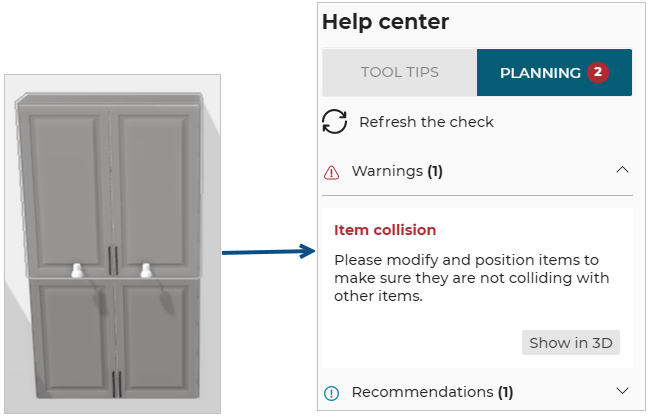
Case 5 – Top lighting triggers a collision
A top lighting is added inside a combination of two wall or high cabinets and there is a collision.
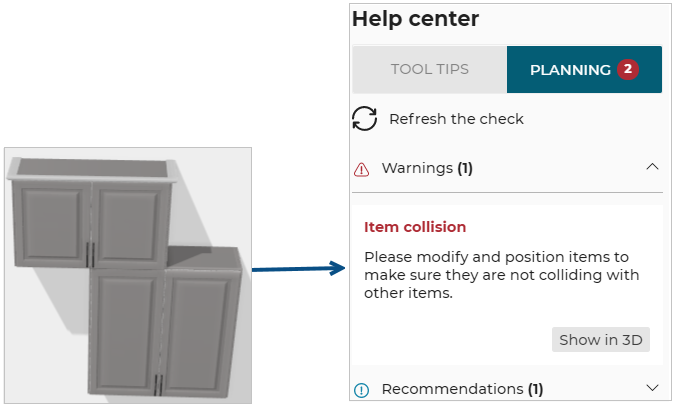
Case 6 – Cornice triggers a collision
A cornice is added to a wall or high cabinet and it collides with the cabinet above.
Case 7 – Cover panel triggers a collision
A cover panel is added to a wall or high cabinet and it collides with another cabinet.

Case 8 – Lowering the ceiling triggers a collision
Lowering the ceiling height after adding a top lighting or a cornice or a top cover panel to a wall or high cabinet triggers a collision.
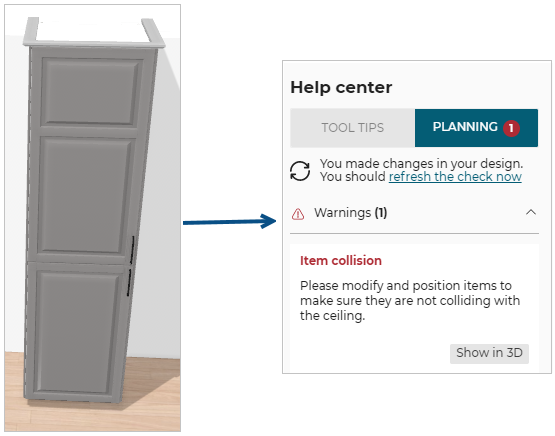
Case 9 – Wall mounted item triggers a collision
A wall shelf is added to a wall and it collides with the ceiling.
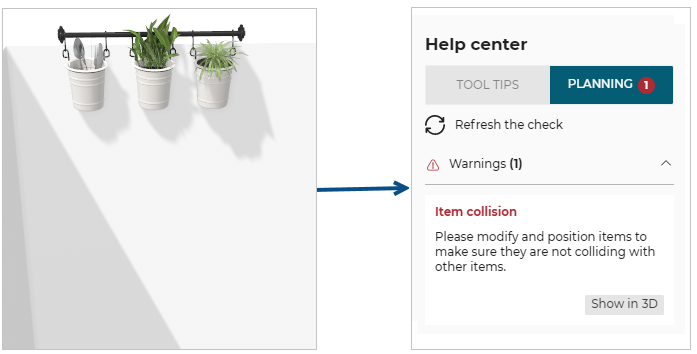
In all these cases, the user has to move the cabinet to remove the vertical collision.
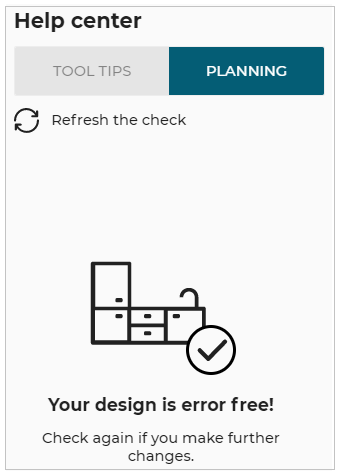
Then, the user clicks Refresh the check on the Help center and is informed that the design is now error free.