Availability of Custom Wall Panel

CustomWallPanelAvailabilityRule
Availability of a wall panel after modifications.
Notification level: ⚠
| Key | Value |
|---|---|
| ID | CustomWallPanelAvailabilityRule |
| Translation key | customWallPanel_product_availability_rule_title customWallPanel_product_availability_rule_message |
Behavior
This rule checks if the custom wall panel product is available or not, after editing it by changing its dimensions or adding any operation in order to prevent the user from creating an invalid kitchen.
The Range Manager needs to map the product with the corresponding wall panel and define the values to suit the correct configuration.
Trigger Conditions
If the custom wall panel product is not available after editing it, the rule is triggered and the application warns to modify the wall panel dimension or create a joint for a valid wall panel product.
Illustration
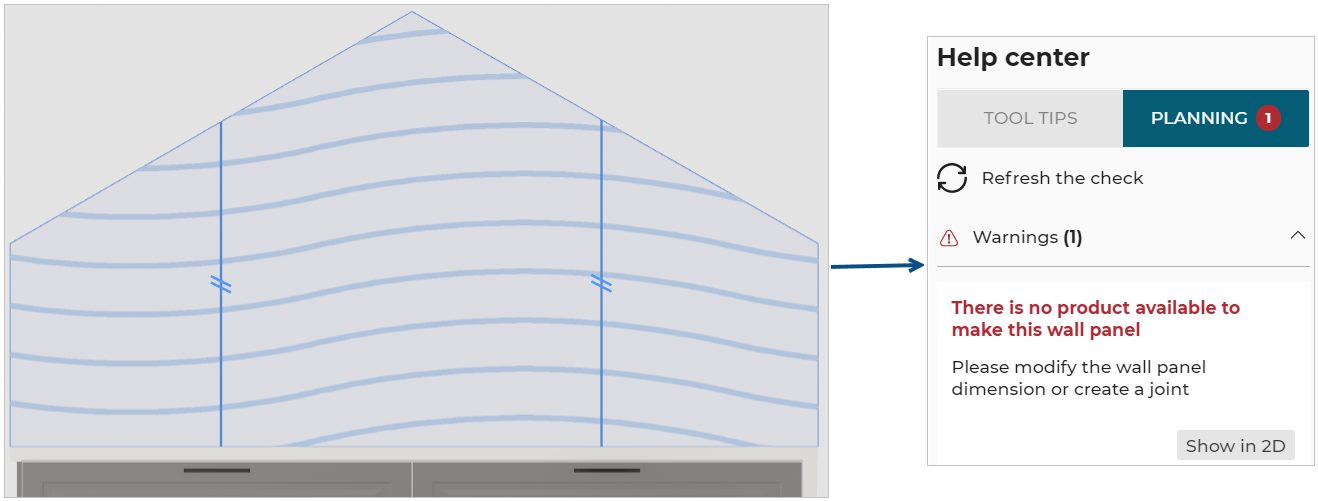
For the current configuration of custom wall panel, no wall panel product is available, the rule is triggered and informs the user to change the dimensions of the wall panel or create a joint.
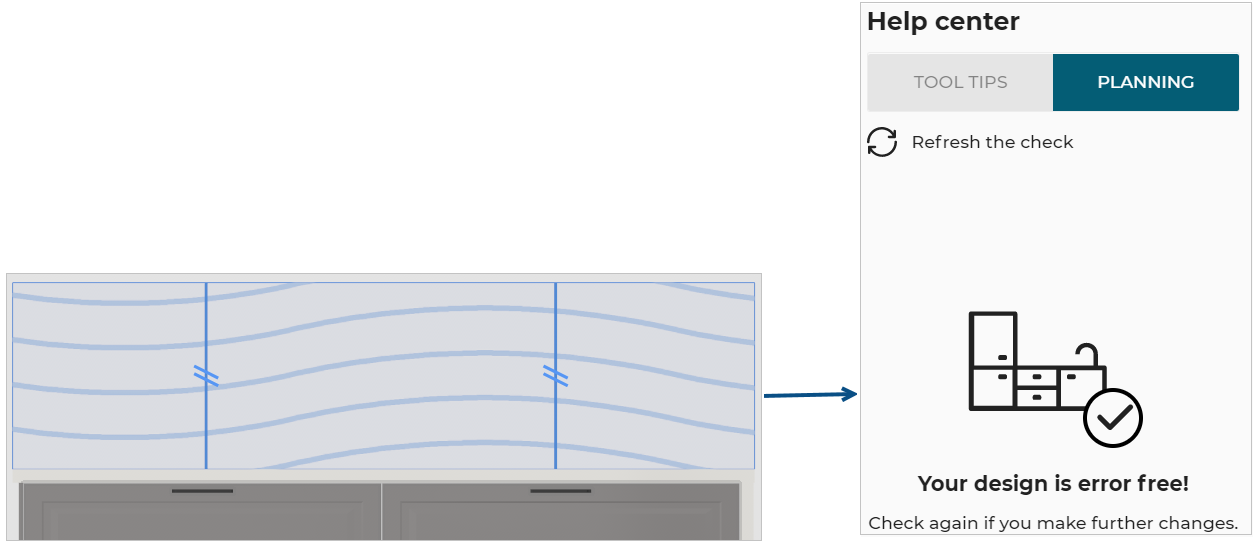
Once the user has changed the dimension of the wall panel the design is error free.